
DISPLACE – location-based AR-viewer and game
by TEAM#3 – Alan Prohm, Annika Ley, Fehime Seven & Fred Urien
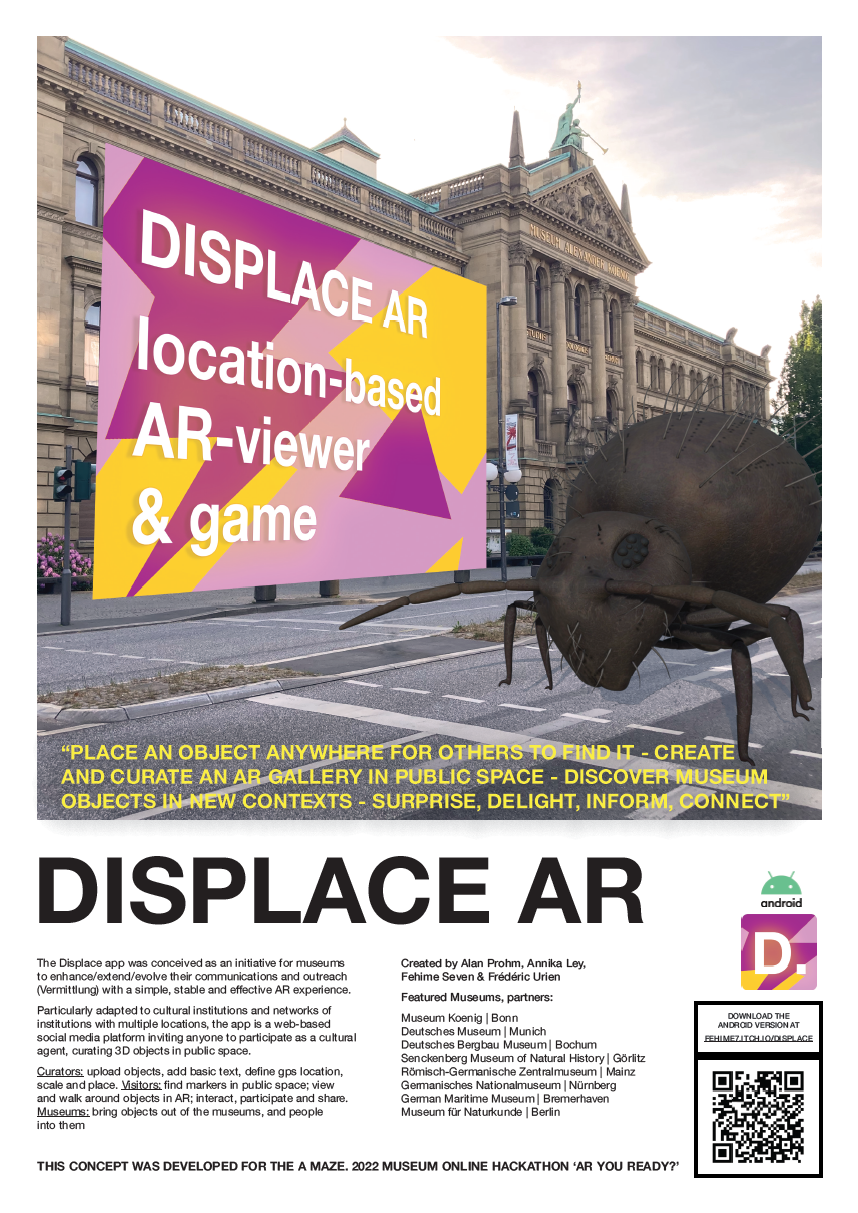
“Place an object anywhere for others to find it – create and curate an AR gallery in public space – discover museum objects in new contexts – surprise, delight, inform and connect.”
The DISPLACE app was conceived as an initiative for museums to enhance / extend / evolve their communications and outreach (Vermittlung) with a simple, stable and effective AR experience.
Particularly adapted to cultural institutions and networks of institutions across multiple locations, the app is a web-based social media platform inviting anyone to participate as cultural agent, curating 3D objects in public space.
Sample Content Program – for the Museums of the Leibniz-Gesellschaft
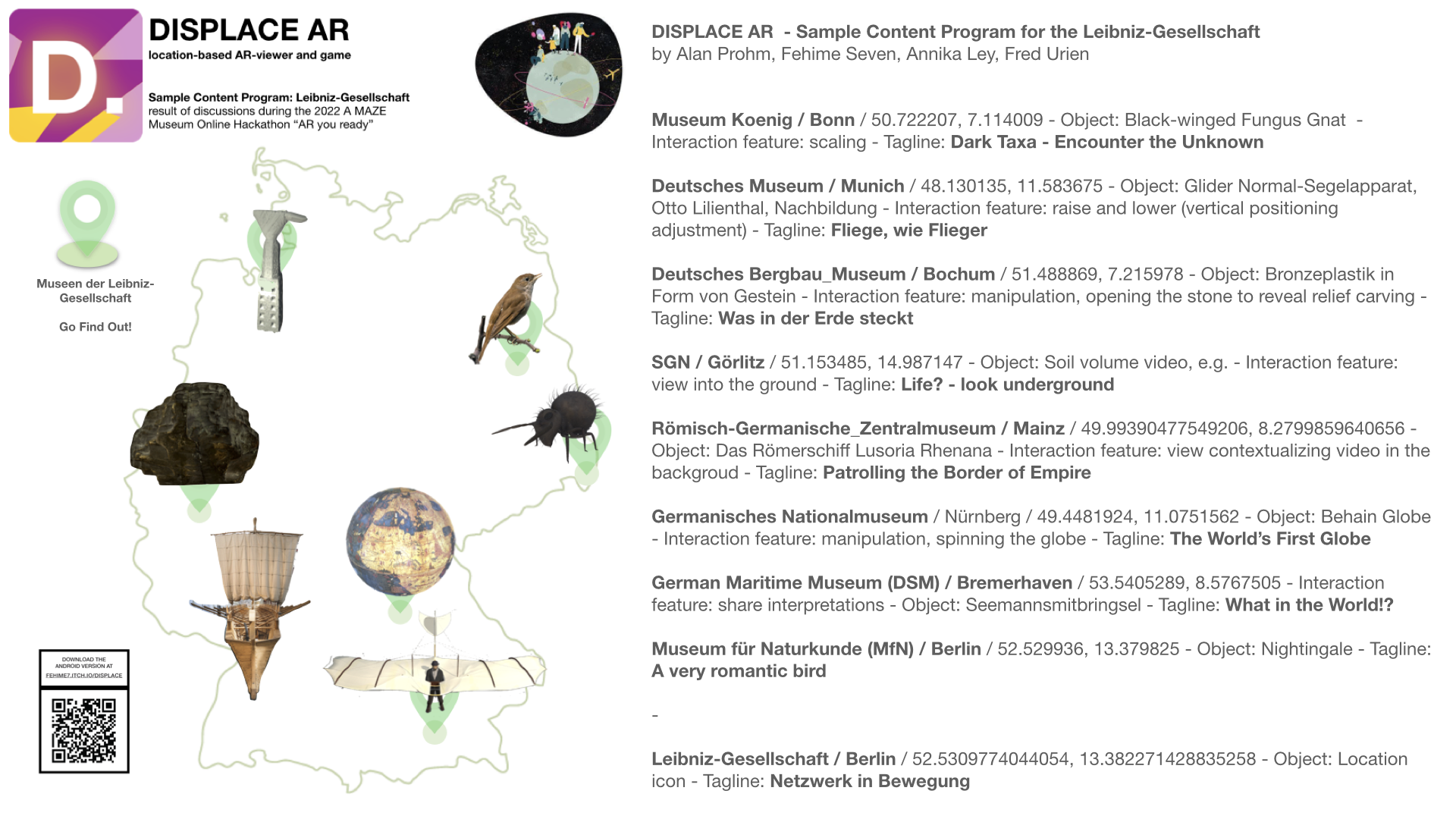
“DISPLACE gets objects out of museums and people back into them, it lets museumsconnect and their networks become visible.”
This prototype of DISPLACE AR was made in less than 2 days by TEAM#3 during the 2022 Museums Hackathon organized by A MAZE. We hope you enjoy it!
Pitch Video
The APP prototype for Android
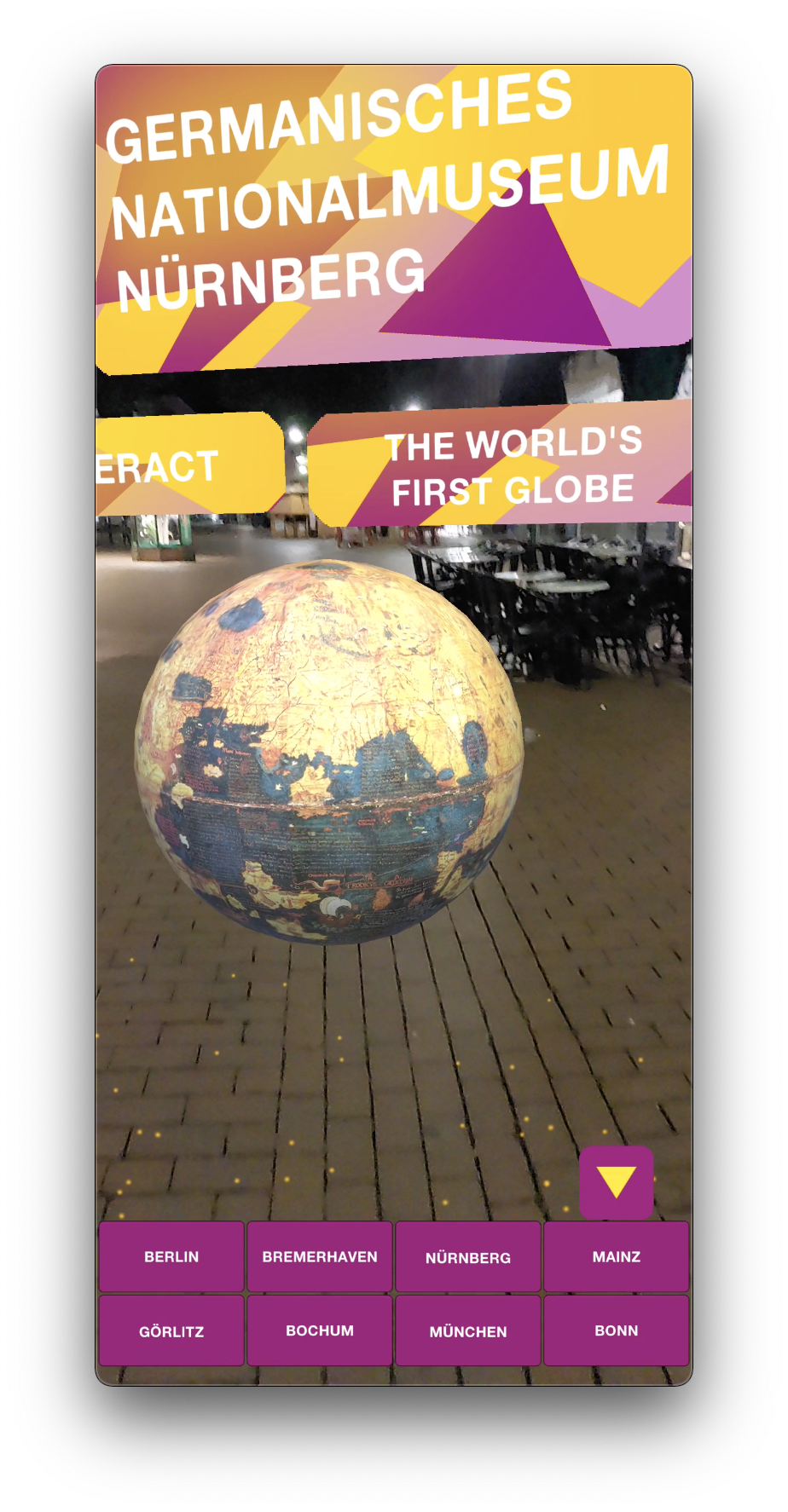
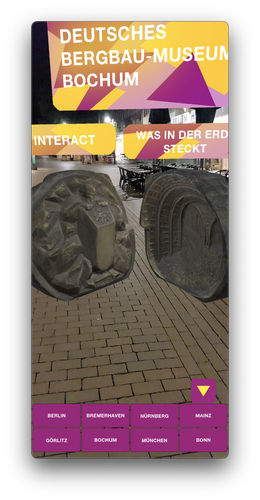
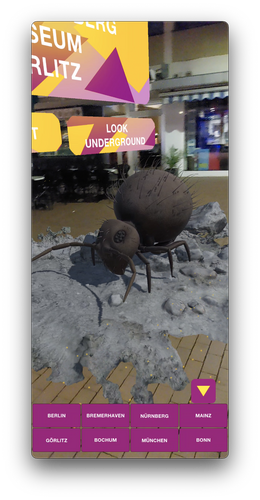
Instructions:
1 – On an android device, download the app and install it. You may have to “allow unknown sources” on your device, here’s how to do it.
2 – Rendez-vous near one of the following Museums (or find a space where you are with plenty of room).
3 – Open the app and select a Museum on the map to pretend that you’re there.
4 – Accept the “Access to your Camera” request and let your phone detect a nice plane to display the content.
5 – Pretend you travel from a city to another by tapping the “city” buttons at the bottom of the screen.
6 – Play with each content in its own way using the “interact” button.
7 – Tell us what you think! It helps a lot.
Featured Museum, Partners :
Museum Koenig | Bonn
Deutsches Museum | Munich
Deutsches Bergbau Museum | Bochum
SGN | Görlitz
Römisch-Germanische Zentralmuseum | Mainz
Germanisches Nationalmuseum | Nürnberg
German Maritime Museum (DSM) | Bremerhaven
Museum für Naturkunde (MfN) | Berlin
Install instructions
- On an android device, download the app and install it. You may have to “allow unknown sources” on your device, here’s how to do it.
- Rendez-vous near one of the following Museums (or find a space where you are with plenty of room).
- Open the app and select a Museum on the map to pretend that you’re there.
- Accept the “Access to your Camera” request and let your phone detect a nice plane to display the content.
- Pretend you travel from a city to another by tapping the “city” buttons at the bottom of the screen.
- Play with each content in its own way using the “interact” button.
- Tell us what you think! It helps a lot.
Download
DisplaceAR_1.1.apk115 MB
Leave a comment
Poster for the A MAZE Awards Show
 Alan Prohm